
Run your first workflow
We have two goals:
- Get one successful run first: import a workflow from a template → create a job → enqueue → inspect logs & artifacts
- Then build one yourself: create a new workflow + step → write minimal code → run and verify
Here are a few concepts to align on. You don’t need to fully understand them yet—just follow along and you’ll get a run working:
- Workflow: a definition of a set of steps
- Job: a reusable configuration created from a workflow
- Run: one actual execution of a job. Each enqueue creates a new run.
Run a template workflow
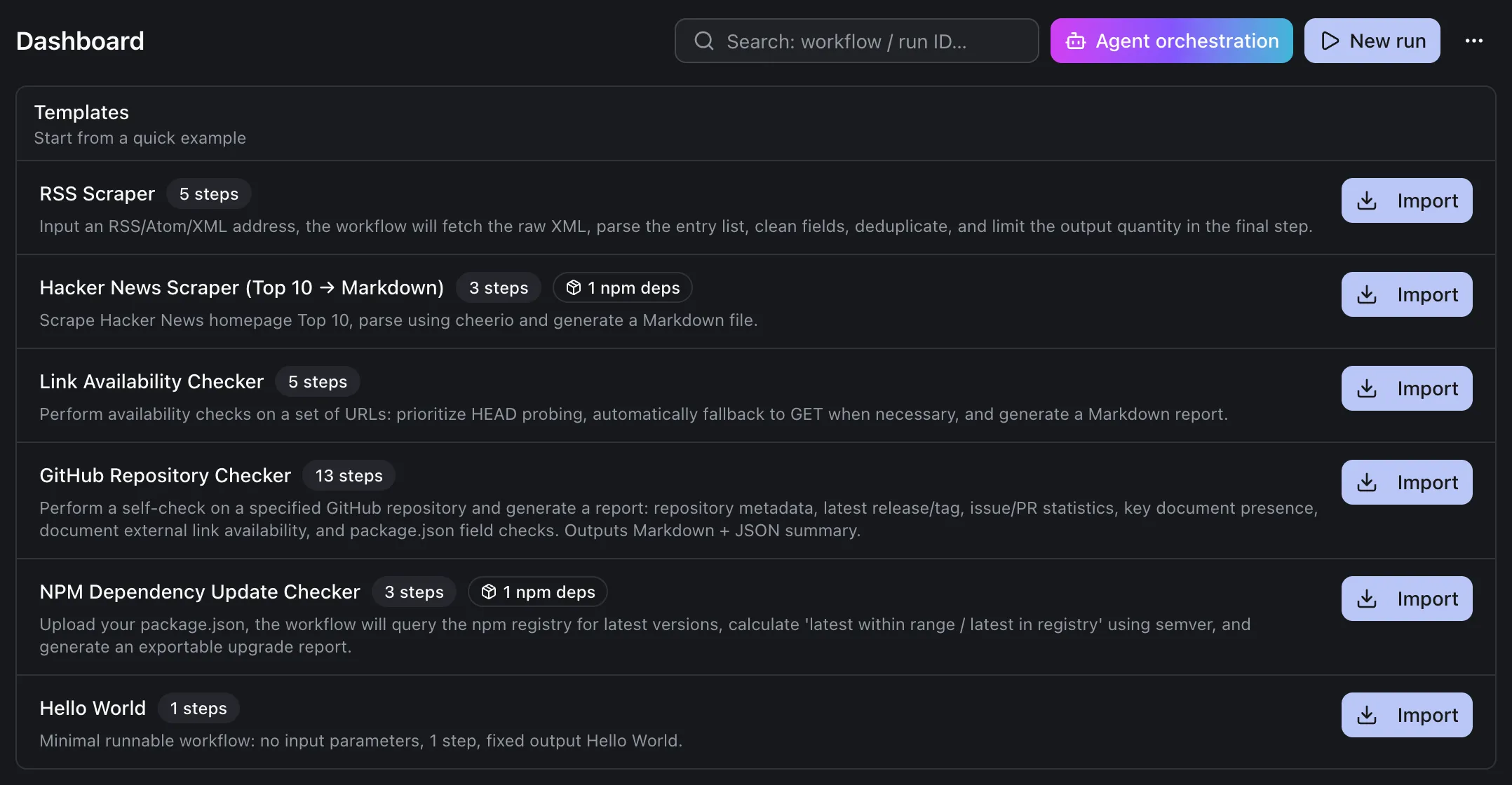
Section titled “Run a template workflow”After completing the initial setup and entering the App, you’ll see some default workflow templates. The goal of this section is: import any template and successfully produce one run result.
Pick any template in the template list and click Import.
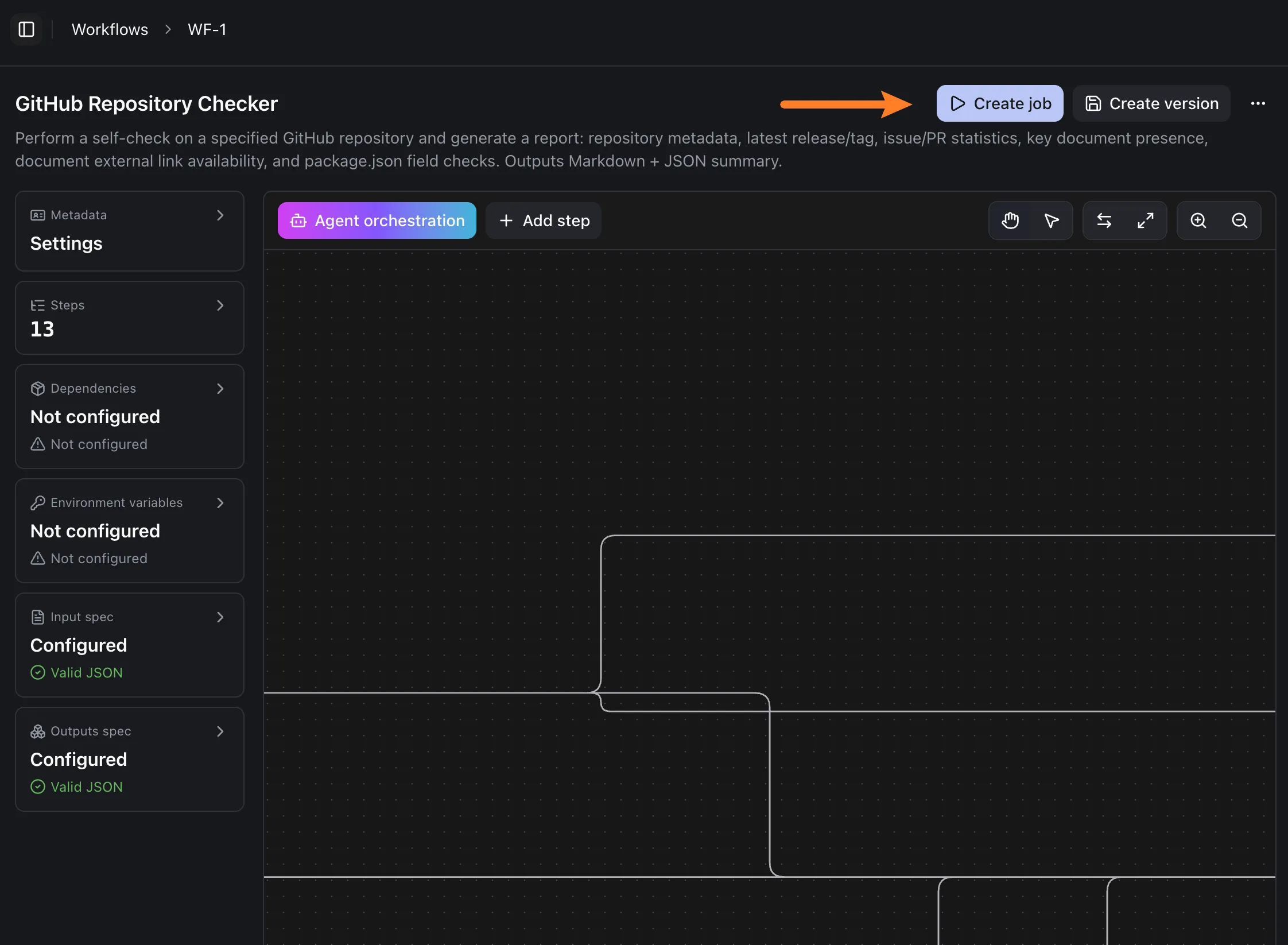
After importing, click Create job in the top-right.
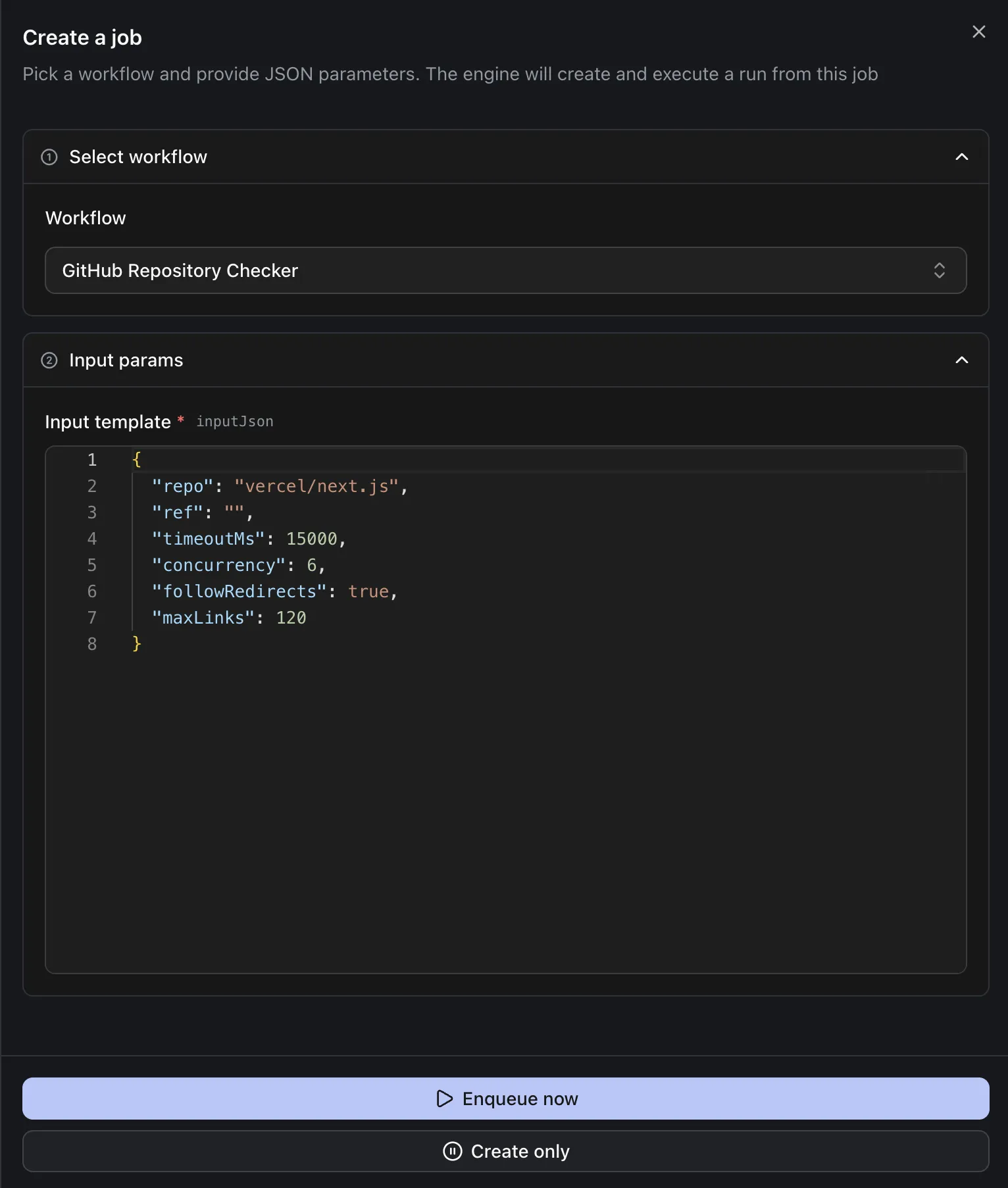
On the job creation page, click Enqueue now at the bottom.
This creates a run. You’ll typically see a Run status card showing whether the run is in progress or finished.
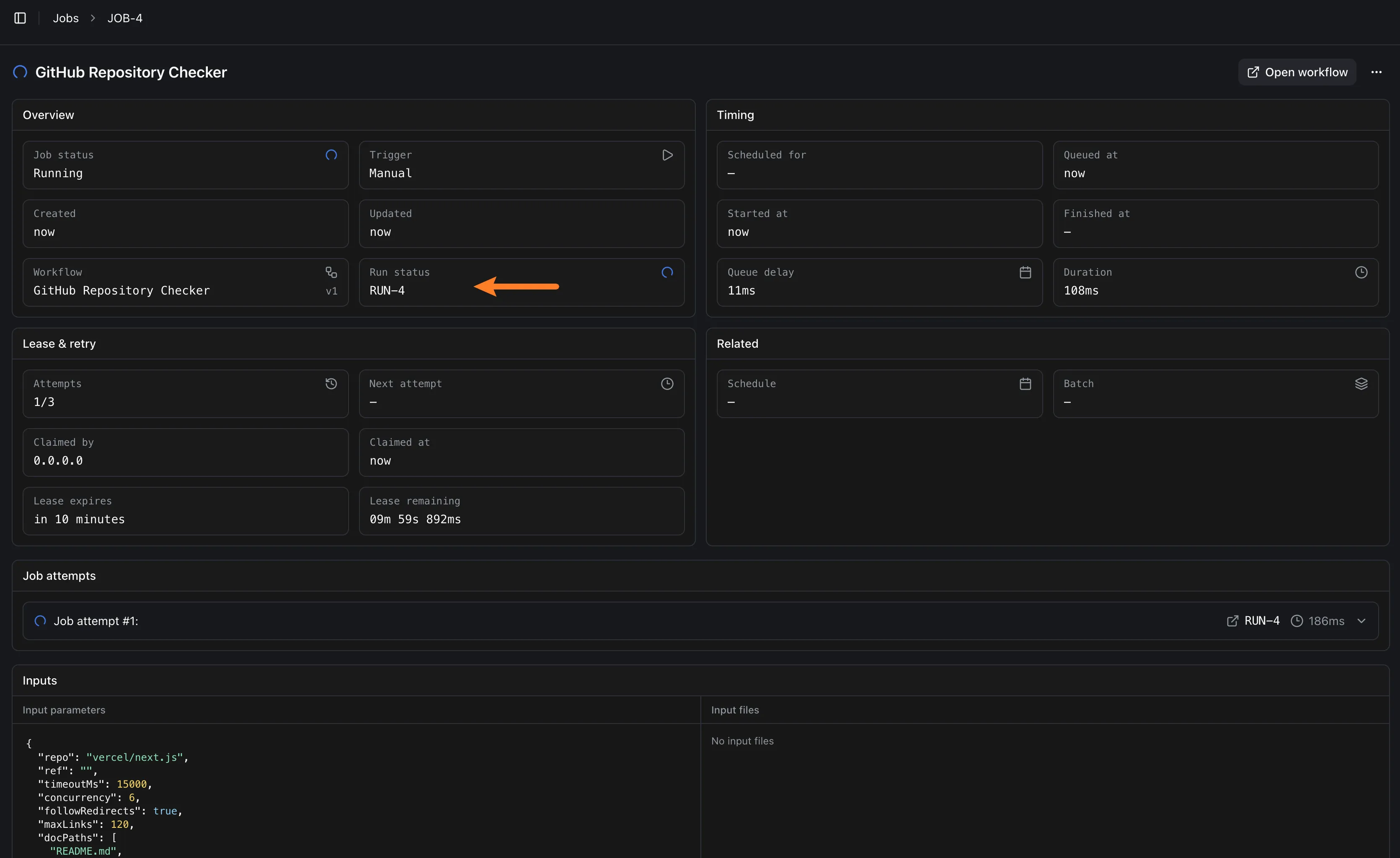
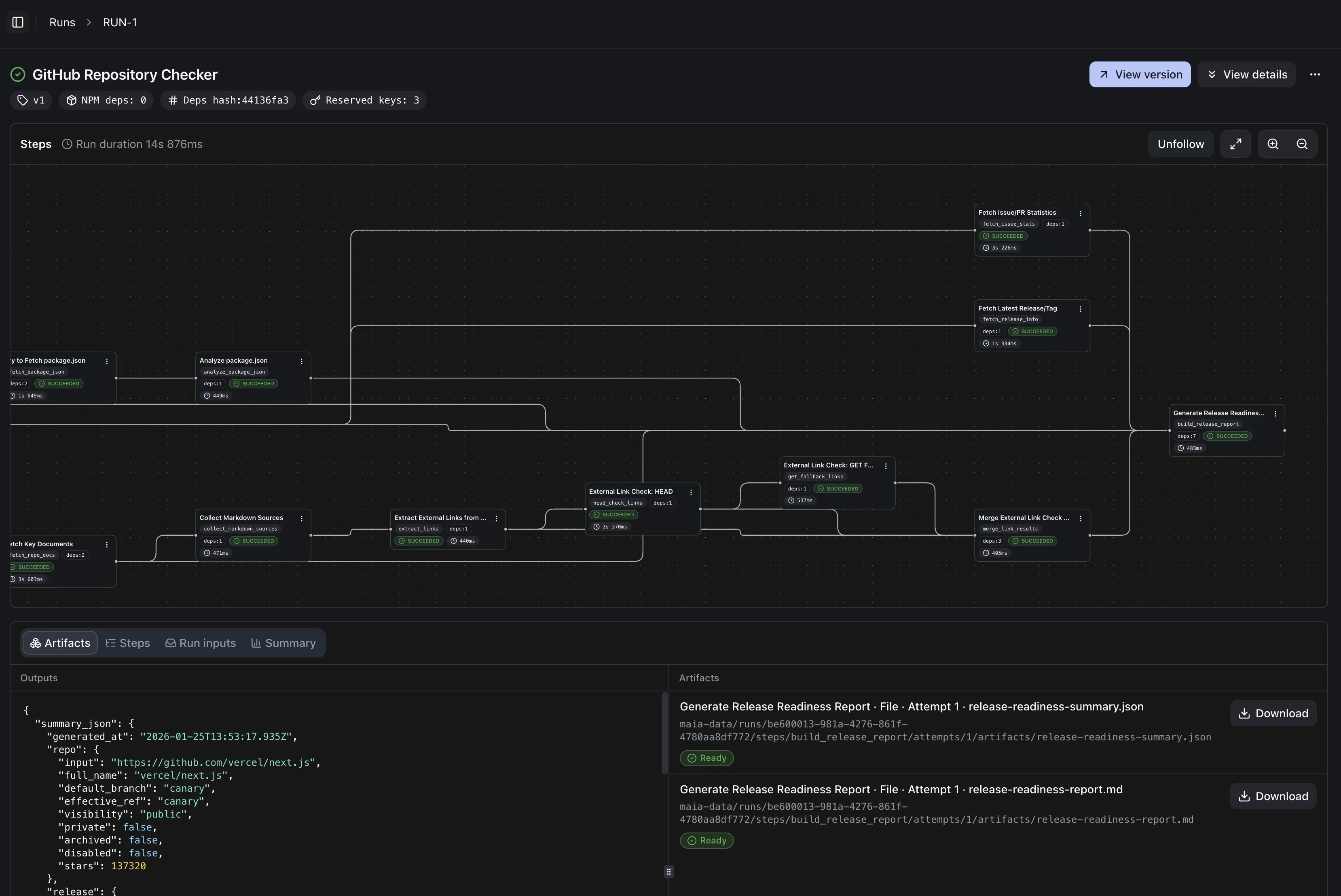
Click the Run status card to open the run details page. Here you can:
- View logs: confirm the run actually executed. This is the most direct evidence that you “got it working”.
- View outputs/artifacts: if the workflow produces artifacts, you’ll get download links here
Create a new workflow
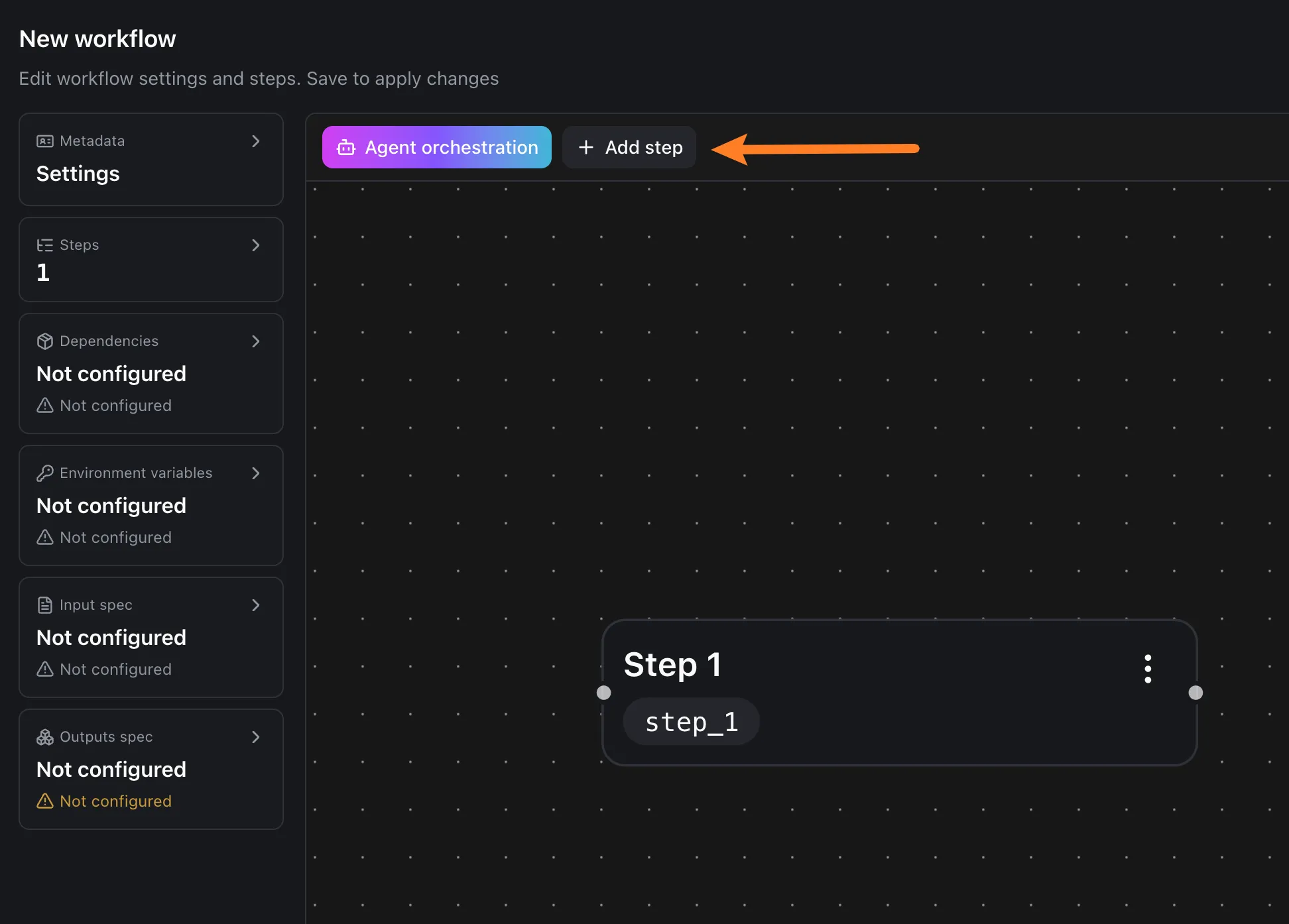
Section titled “Create a new workflow”In this section we’ll build a minimal workflow from scratch. The goal is: you get a successful run, and Hello world! appears in the logs.
In the left sidebar, select Workflows, then click New in the top-right. Enter a workflow name and description (description can be empty), then click Create.
Edit the code
Section titled “Edit the code”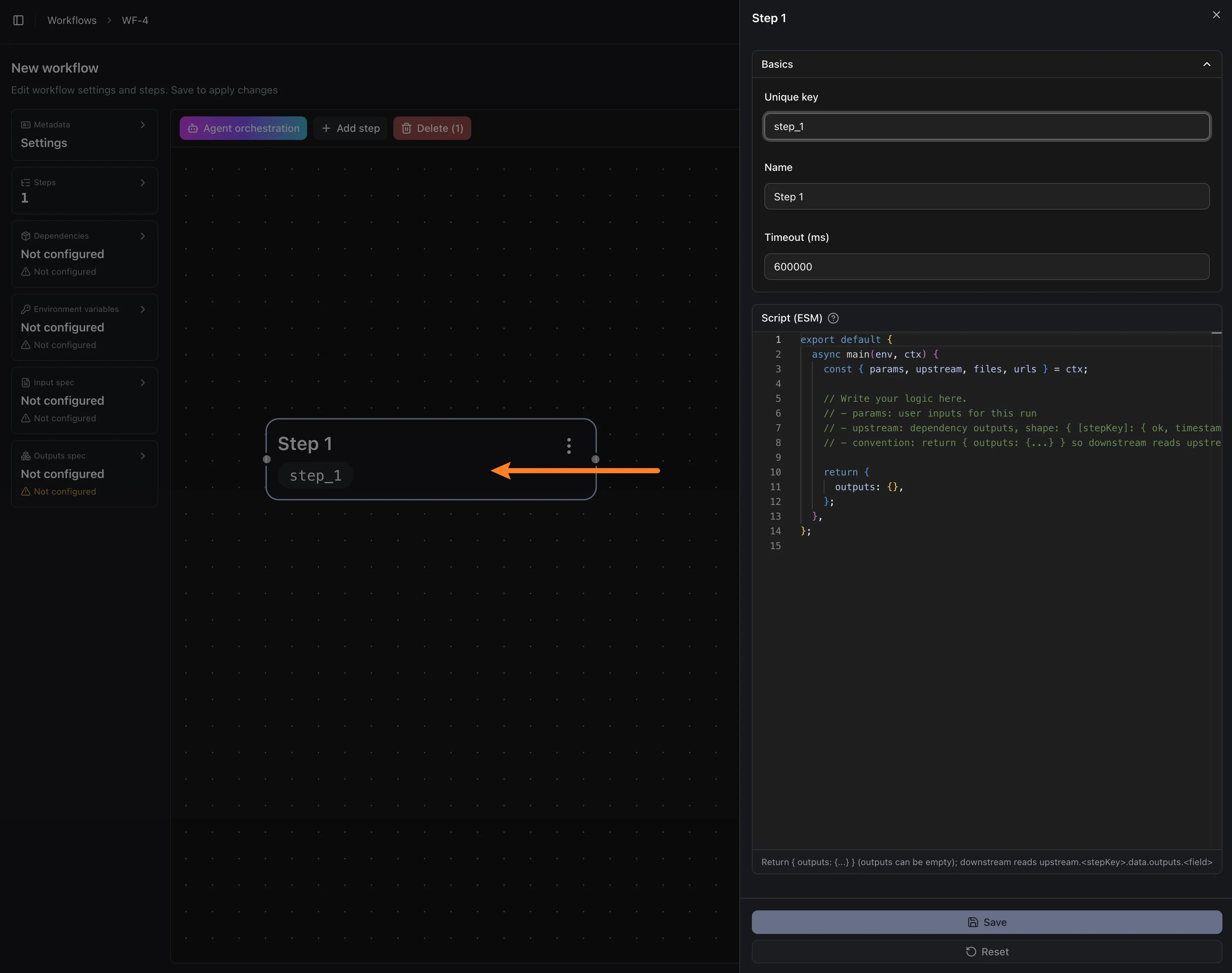
Select the step you just created to open the editor, paste the code below and save, then click Create job in the top-right.
export default {  async main(env, ctx) {    const { params, upstream, files, urls } = ctx;
    // Write your logic here.    // - params: user inputs for this run    // - upstream: dependency outputs, shape: { [stepKey]: { ok, timestamp, data } }    // - convention: return { outputs: {...} } so downstream reads upstream.<stepKey>.data.outputs
    console.log("Hello world!")    return {      outputs: {},    };  },};
On the job creation page, click Enqueue now to create a new run. Open the run details page and search the logs for Hello world! to confirm the code executed.